Kentucky editor: New review
Prerequisite: All IEs included in the review must be in draft and included in the responsibility area before review process starts.

|
note
Only add the map to the review, not included IEs. |
-
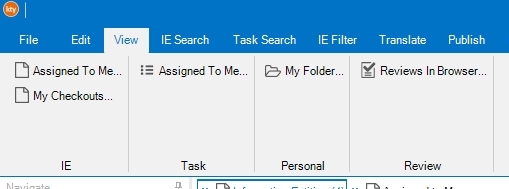
Select
 ...
...or Right click ...
-
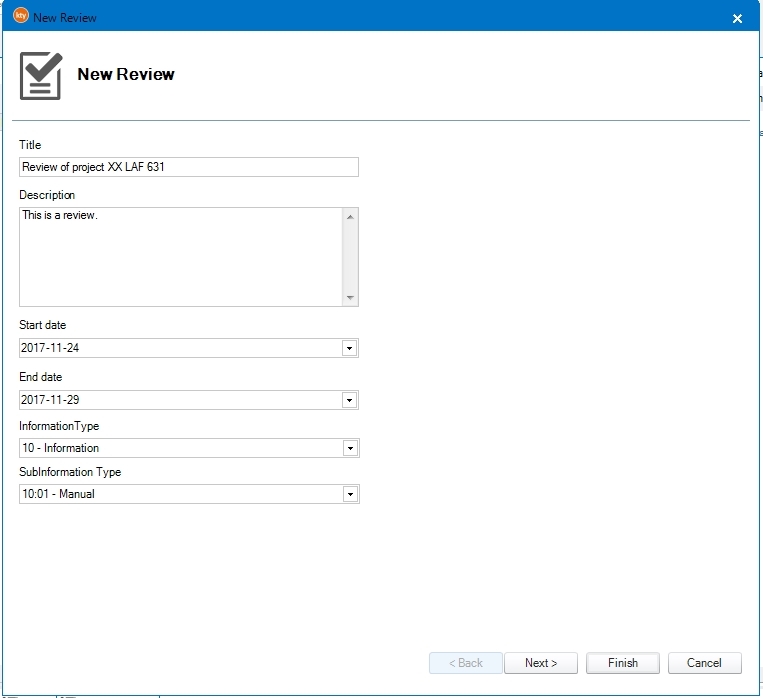
Enter the information. The review will only be available from the start date to the end date. Information type is decided by Kentucky superuser, it may be different for all implementations.
-
Click to select a folder for the review task or click .
noteIf you click without selecting a folder for the review task, the review task won't be visible in any folders.
-
To add more IEs to the same review, select the review and then select one or more IEs. Right click .
-
Right click on the to view all included IEs in the review.
-
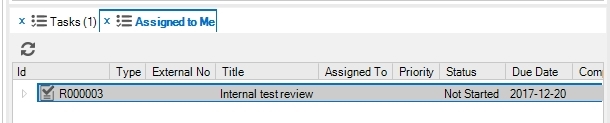
The new review is not yet started. It is available in the Task list in the folder selected in step 1, or in the same folder as the IE sent for review.
-
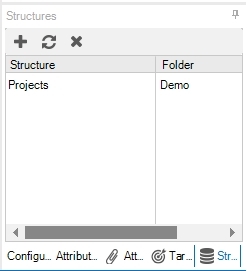
Optional, depending on implementation way of working: Add the review to the review folder by using the tab.
-
Right click on the review task and select .
Before the review is started, Kentucky will check if there are included IEs in status obsolete and that all IEs have a responsibility area.
To add a missing responsibility area:
1. Click in the pop-up window.
2. Answer to the question in the pop-up window.
3. Select
.4. Drag-and-drop the IEs into the responsibility area.
5. Save and exit the tool.
6. Restart the review.
When the review is started, all included IEs will set to status Review. It is still possible to create a new Draft version of the IEs, but any changes in the new Draft version will not be included in the review.
-
The window gives a possibility to select review users that the review e-mail is sent to.
-
In Kentucky, select the tab
.
noteThe Kentucky editor must also be included in the responsibility area to be able to see the review.
-
Send the link to those who are supposed to review (instruction for reviewers in next section): http://kentucky.aleidogroup.com/Kentucky_IMPLEMENTATION/ (Implementation=as written on the Kentucky shortcut icon).
noteDo not copy the browser link. If you copy the link from the browser and send that one, then the reviewers will be logged in as you.
-
Each person who will review must be included in the responsibility area.
 hint
hintIt is not mandatory to send the link to all those included in the responsibility area, which makes it possible to select the reviewers. Those who already have the link can see the new review even though you excluded to send them the link this time.
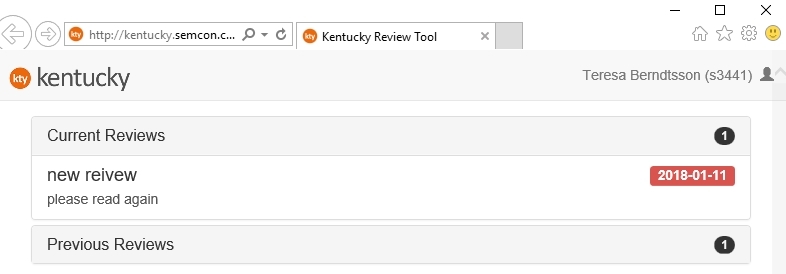
noteThe color of the date is blue when there are more than five days before the review ends. When there are five days left, the date turns yellow. When there are only two days left, the date turns red.
-
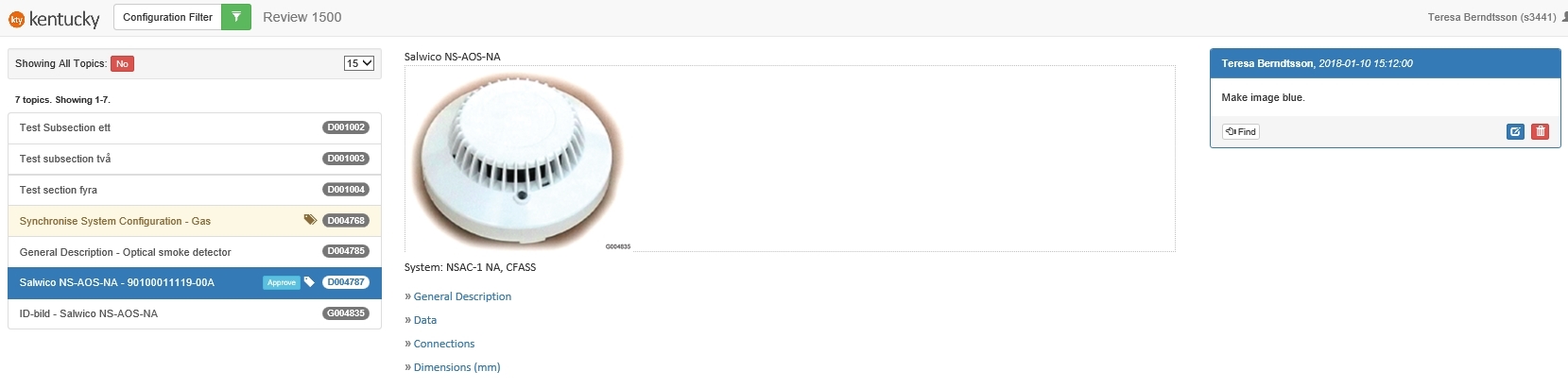
The reviewer can select different items and add remarks. Which items (tags) that are possible to add remarks to are handled by Kentucky IT, they are implementation specific. For the moment, all IEs are shown in numbered order.
-
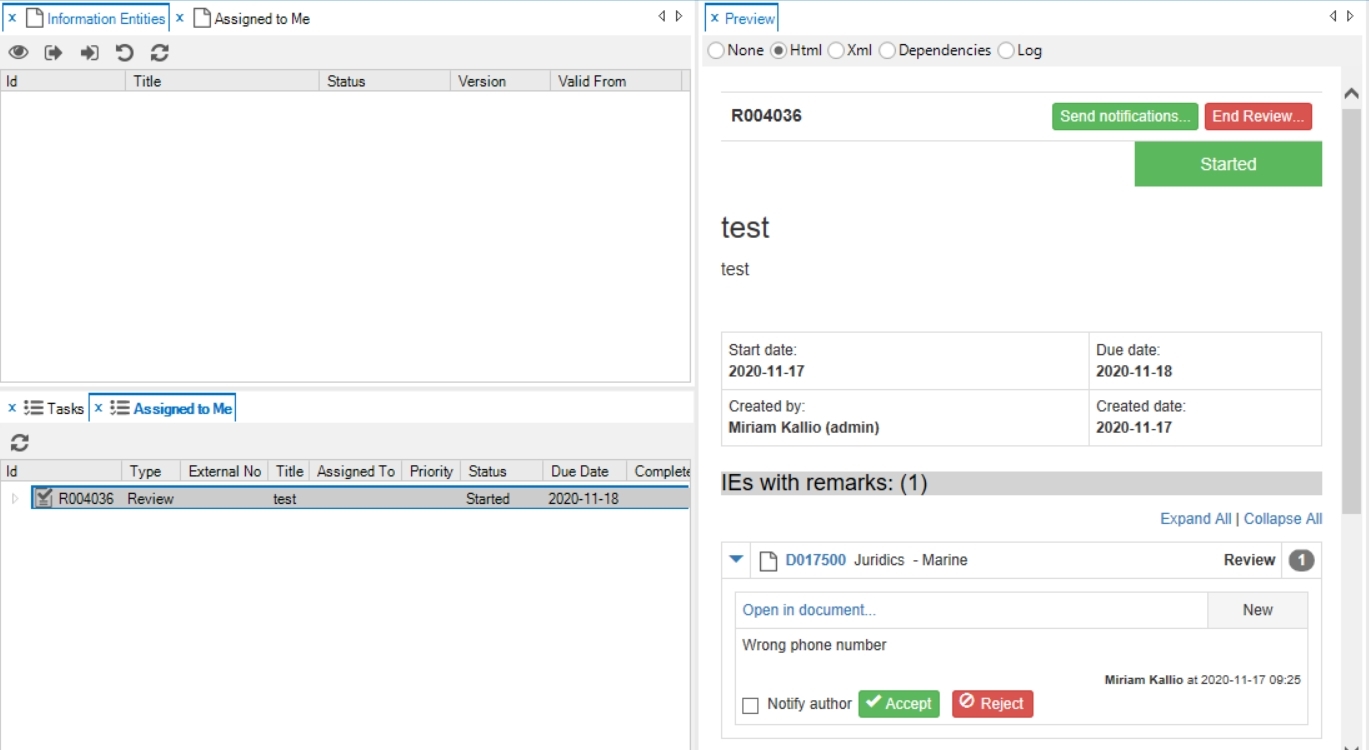
In Kentucky, select the review to see all comments.
-
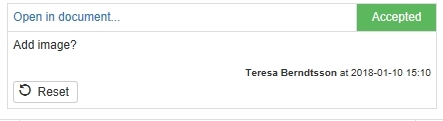
Click to accept the remark or with an optional comment. The comment is visible for the reviewers in the review tool.
To notify author via e-mail, check the box for Notify author and click Send notifications.
-
If remark is accepted, the window is opened.
-
Edit the information of the new task, assign the task to an editor and click or
-
Click to not create a task. The comment is still accepted, but no new task is created.
-
-
It is possible to the Accept/Reject on the comment.
-
When review due date is passed, the review will get status done.
-
To stop the review before due date, click End Review.