Illustrator script is not working
If you encounter the following error message when trying to run the ToKentucky script, your script does not match the version of Illustrator. This can be caused by Creative Cloud automatic update, or having multiple versions of Illustrator installed.
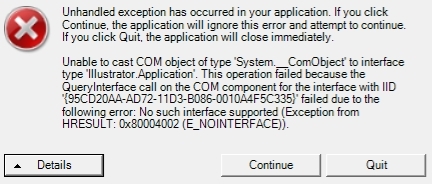
Follow the steps below to solve the problem.
-
Uninstall all versions of Illustrator.
-
Restart the computer.
 note
noteThis step is important to update the Windows registry.
-
Install the latest versions of Illustrator that is confirmed to be working with Kentucky.
-
Download and re-install the Kentucky implementation.
noteThe ToKentucky script is installed during this step.
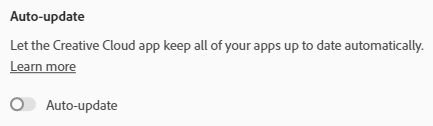
Disable Creative Cloud Auto-update to avoid this problem in the future. Go to  .
.
Related articles